

 Intraoral Scanners
 Scanner Accessories
 3D Printers
 3D Printing Resins & Glazes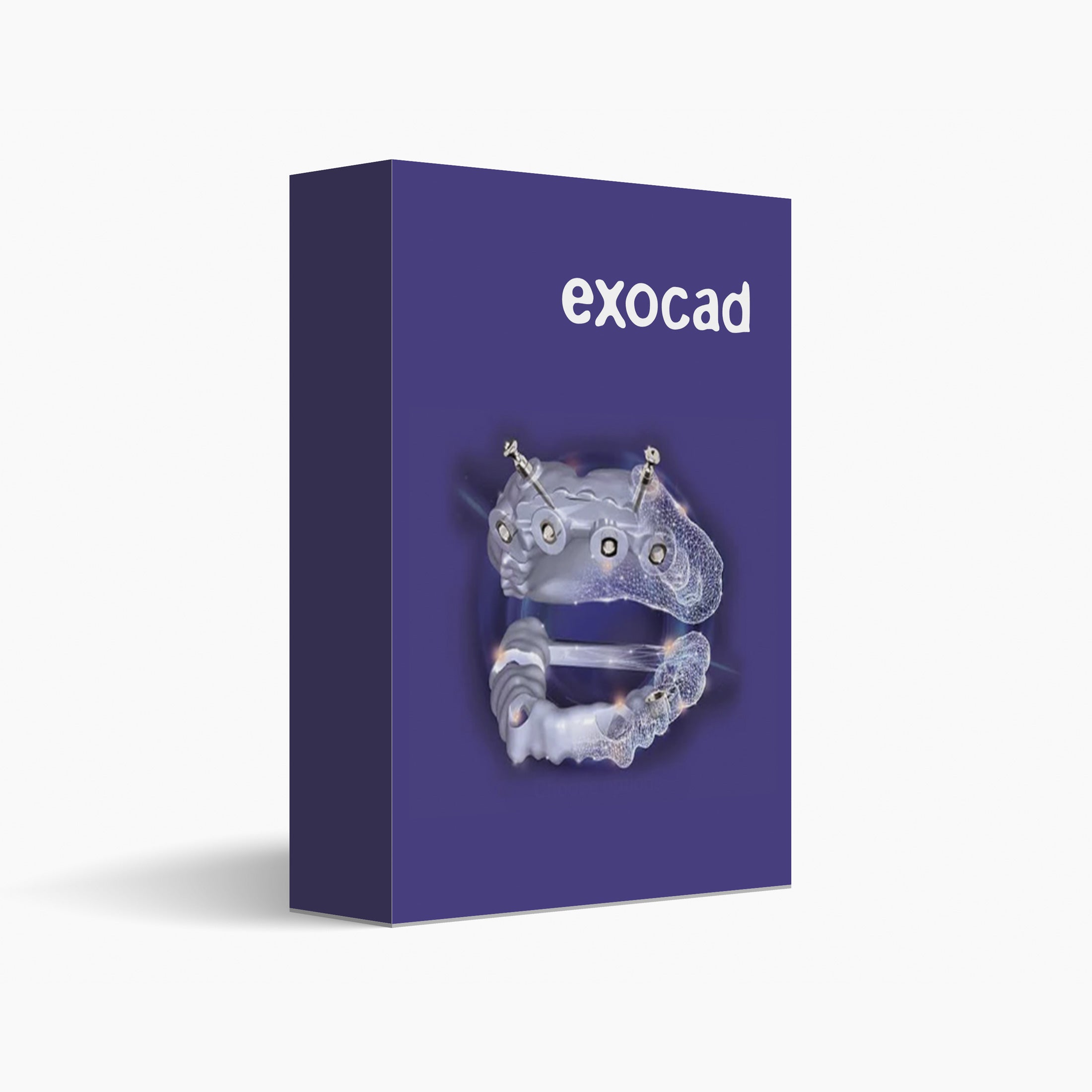
Exoplan - Implant Guide Software
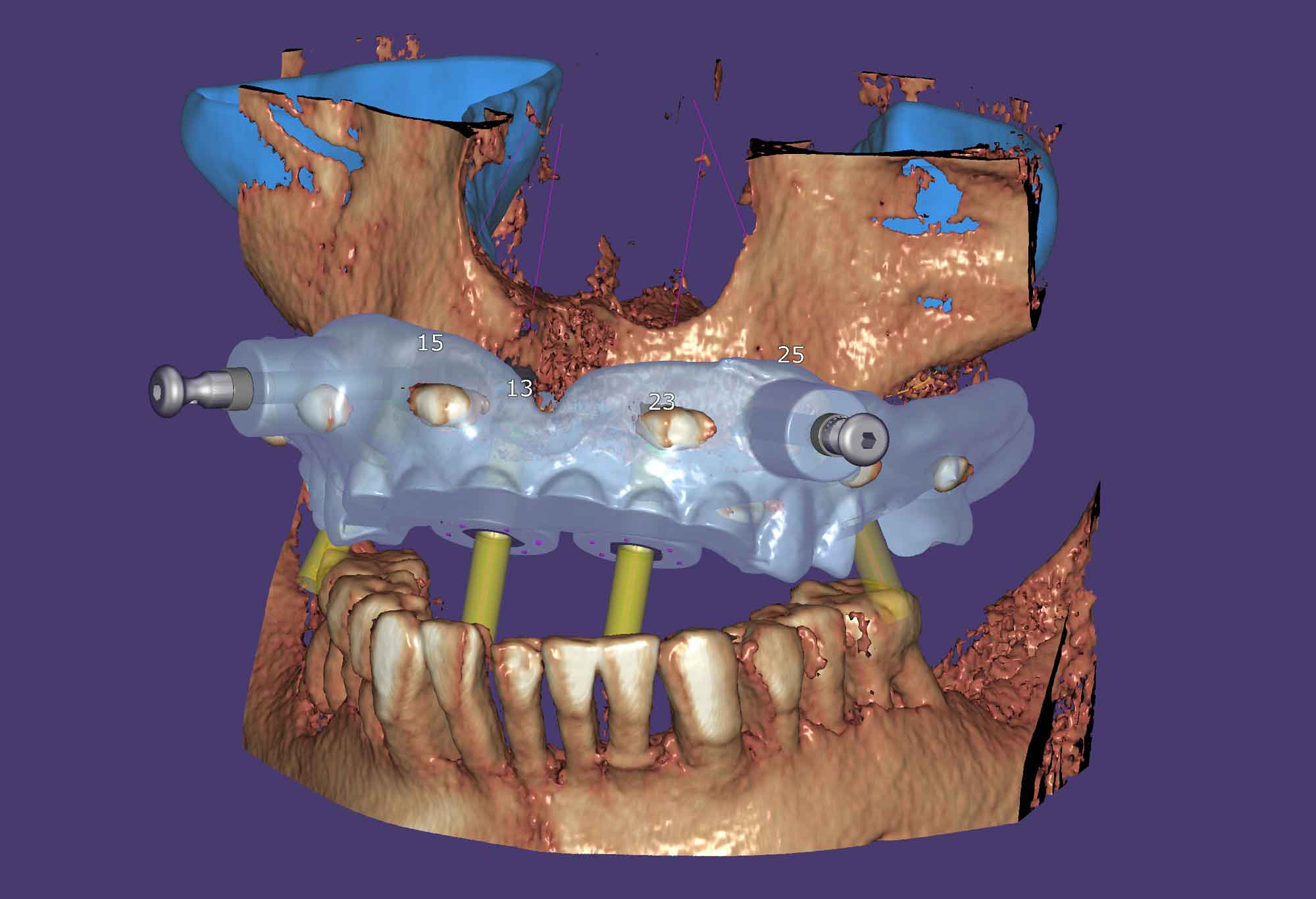
exoplan is exocad's advanced implant planning software, purpose-built for prosthetically driven implant planning using CBCT and intraoral scan data. Plan implant placement with confidence, merge CBCT and scans, and design surgical guides with the optional Guide Creator module. exoplan integrates seamlessly with exocad DentalCAD to provide a complete digital implant workflow from treatment planning through to the final restoration. Available in both Perpetual and Flex licensing options.
Pairs well with
Exoplan - Implant Guide Software
Product details
Description
exoplan is exocad's dedicated digital implant planning software, designed to simplify and enhance digital implant workflows from diagnosis through to guided surgery. By combining CBCT data, intraoral scans and restorative planning in a single platform, exoplan enables clinicians to accurately plan implant placement while improving communication between surgical and restorative teams.
Built on an open architecture, exoplan supports a wide range of CBCT systems, intraoral scanners, implant libraries and 3D printers, making it compatible with most modern digital implant workflows. It also integrates seamlessly with exocad DentalCAD, allowing implant plans to flow directly into restorative design for custom abutments, implant-supported crowns and bridges.
Key capabilities include prosthetically driven implant planning, virtual implant placement, automatic nerve canal detection, implant library support, digital wax-up integration, collision detection and advanced anatomical visualisation. exoplan supports single implant, multiple implant and full-arch rehabilitation workflows.
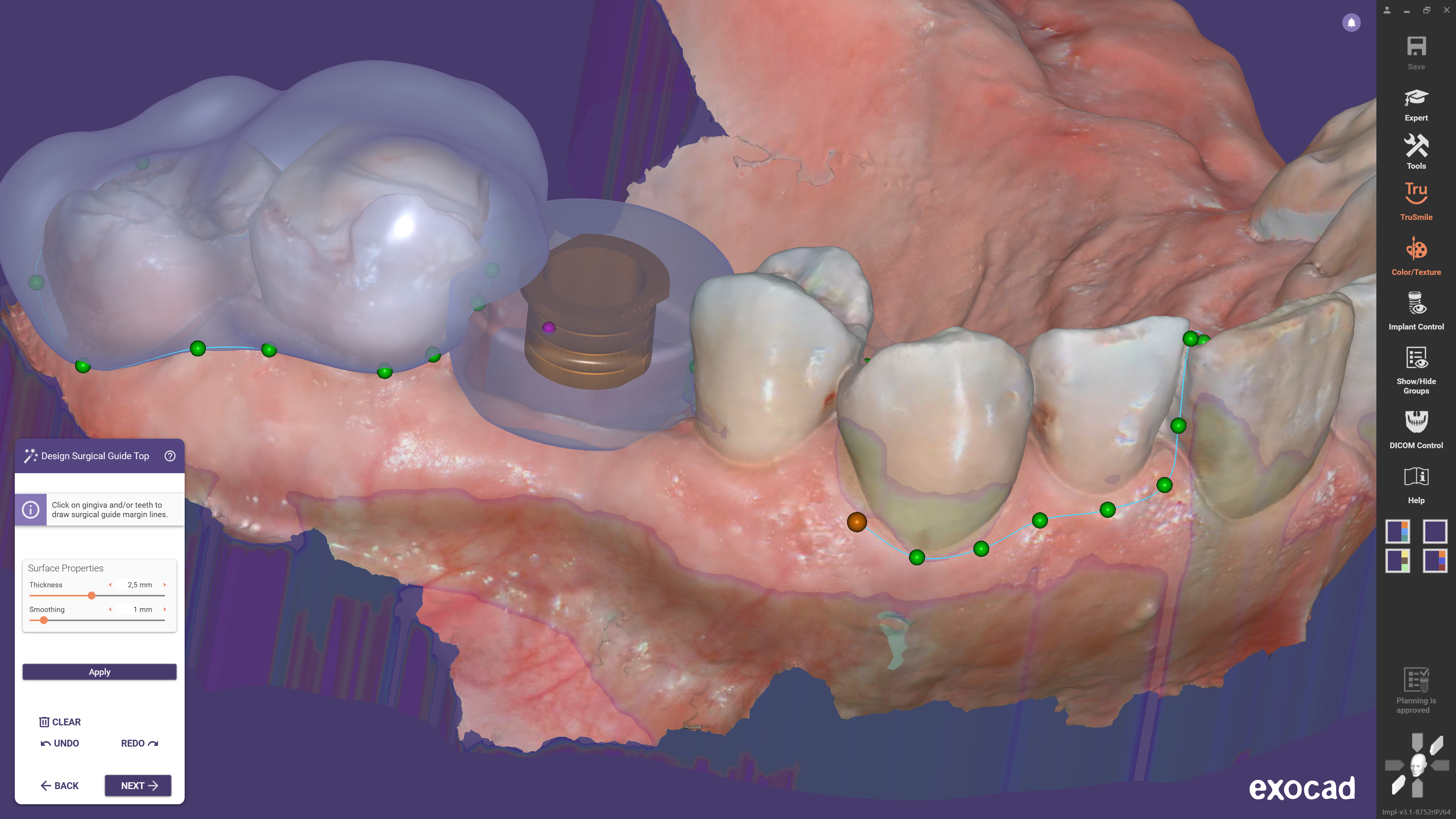
For clinicians wishing to perform guided implant surgery, Guide Creator is available as an optional software module. Guide Creator enables the design and export of highly accurate surgical guides that can be manufactured using compatible 3D printers or laboratory workflows. If your goal is to plan implant placement and design or print surgical guides, the exoplan + Guide Creator configuration is the recommended option.
It is important to understand that exoplan and exocad DentalCAD are separate software products with different purposes.
- exoplan is used to virtually plan implant placement using CBCT data and create guided surgery workflows.
- exocad DentalCAD is used to design implant-supported restorations such as custom abutments, crowns, bridges and other prosthetics after implant planning has been completed.
Many clinicians and laboratories choose to use both products together, creating a complete digital workflow from diagnosis and implant planning through to the final restoration.
Requires Windows 10 or newer, 16 GB RAM recommended, a dedicated graphics card with OpenGL support and an internet connection for software activation, updates and licence validation.
Licensing & Configuration Options
exoplan is available in both Perpetual and Flex licensing options, allowing you to choose the purchasing model that best suits your clinical workflow, budget and long-term goals.
Perpetual Licence
A Perpetual Licence is a one-time software purchase that allows you to own and continue using your purchased version of exoplan indefinitely. There are no mandatory annual subscription fees. If you wish to receive future software releases, new features and ongoing updates, you can optionally purchase an Annual Upgrade Contract (AUC).
Available Perpetual Configurations (USD RRP):
- exoplan – USD $3,690
- exoplan + Guide Creator – USD $6,690
Flex Subscription
Flex offers a lower upfront investment by spreading software costs over an annual subscription. It provides access to the latest exoplan software version for as long as your subscription remains active, making it an excellent option for practices wanting to minimise their initial investment while maintaining access to the newest features.
Available Flex Configurations (USD RRP):
- exoplan – USD $1,280 (then USD $260/year)
- exoplan + Guide Creator – USD $4,287 (then USD $610/year)
Which Licence Is Right For Me?
For most established implant practices and laboratories, a Perpetual Licence offers the greatest long-term value because you own the software outright and can continue using it indefinitely. An Annual Upgrade Contract is entirely optional and only required if you wish to receive future software updates and major version releases.
A Flex Subscription is ideal for practices wanting a lower upfront investment, predictable annual costs and continuous access to the latest exoplan software without purchasing a perpetual licence.
Two primary software configurations are available:
exoplan
- Complete implant planning software for prosthetically driven implant planning, virtual implant placement and CBCT-based treatment planning.
exoplan + Guide Creator
- Includes all exoplan functionality plus the Guide Creator module, enabling the design, export and manufacture of surgical guides for guided implant surgery.
The software configurations listed on our website represent the most popular exoplan packages. Additional software options including licence upgrades, licence transfers, Annual Upgrade Contracts, trade-up programs and workflow solutions are also available.
Not Sure Which Configuration Is Right For You?
Choosing the right exoplan configuration can be confusing, particularly when deciding between Perpetual and Flex licensing or determining whether Guide Creator is required for your workflow. The Institute of Digital Dentistry is here to help.
Our experienced team can assist with choosing between Perpetual and Flex licensing, determining whether you need exoplan, Guide Creator or both, understanding the differences between exoplan and exocad DentalCAD, upgrading existing exocad software licences, Annual Upgrade Contracts (AUC), licence transfers and trade-up options, compatibility with your CBCT scanner, intraoral scanner and 3D printer, and building a complete digital implant workflow.
If you're unsure which software is right for your practice or laboratory, contact the Institute of Digital Dentistry before purchasing. We'll help you select the most suitable and cost-effective solution based on your workflow, equipment and future plans, ensuring you only invest in the software and features you actually need.
Key Features
Training Every Step of the Way
iDD is more than a supplier — we’re your digital dentistry partner.
When you invest in products with us, you’re investing in a complete transformation for your clinic or lab. We use this technology every day, and our expertise becomes your advantage. Every purchase includes access to our online training and ongoing support to ensure you achieve real success with your new equipment.




FAQs
Please read our FAQs page to find out more.
When will my order be shipped?
Orders are typically processed within 1–3 business days after purchase.
Once your order has been dispatched, you will receive a confirmation email with tracking information.
Please note that processing times may be slightly longer during peak periods or product launches.
How long will it take until I receive my order?
Typically, orders are delivered within 2–6 weeks, depending on product availability. We are committed to ensuring your order reaches you as quickly and smoothly as possible.
In the meantime, you will receive complimentary access to iDD’s world-class Digital Dentistry CPD/CE online education, so you can continue learning while you wait.
Can I speak to someone?
Yes, please book a time to speak to our sales consultant here.
What is your return policy?
Click here to read all our policies